
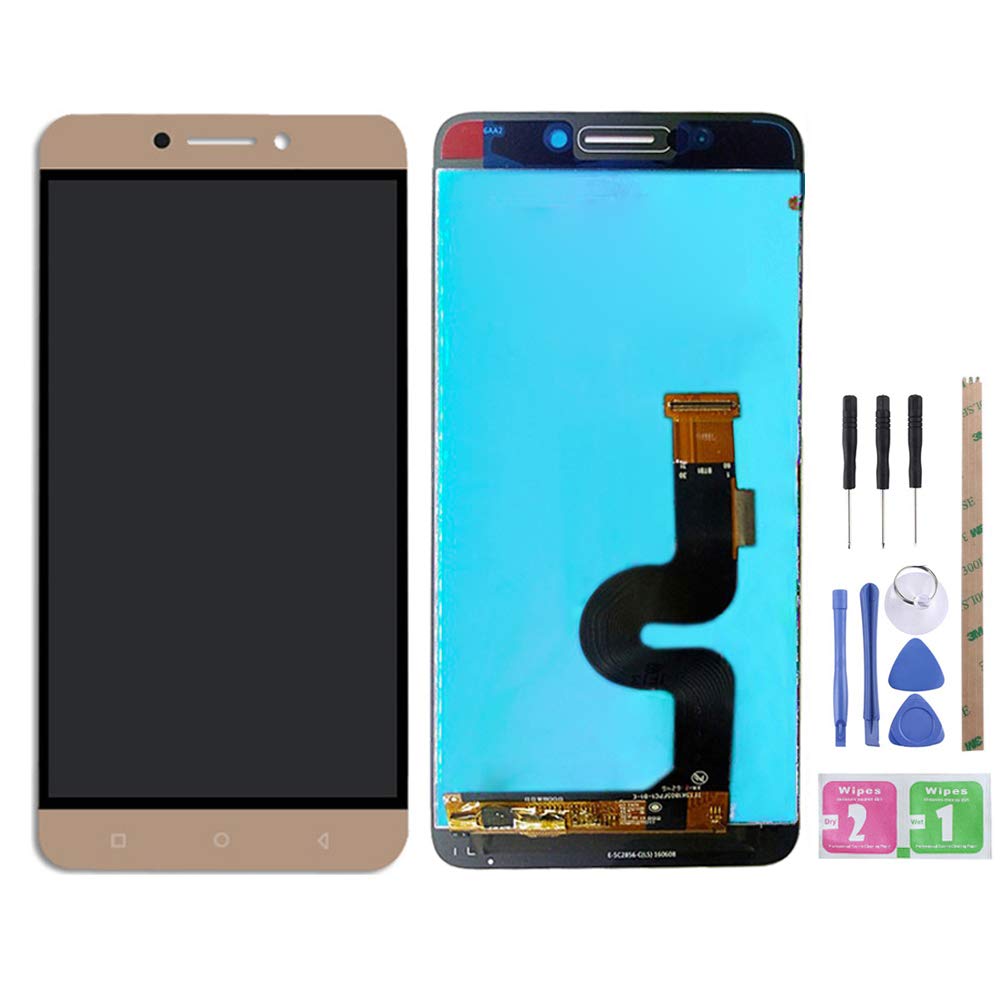
توضیح
Note:
– Fix Problems like :dead touch, Slow respond touch, part of screen do not respond touch, broken glass and any problems around display.
– We strongly suggest test the item received before installation, pls don’t remove protective film or tags when testing;
Test steps:
1. clean the flex cable of screen and the slot of the motherboard before test;
2. connect new screen to the motherboard tightly;
3. make sure battery was charged fully, and pls also make sure your motherboard is not broken;
4. Power on ,d finished.
Please be careful during the installation process. Any problems, please contact us in time. Do not force the installation. Thank you.
